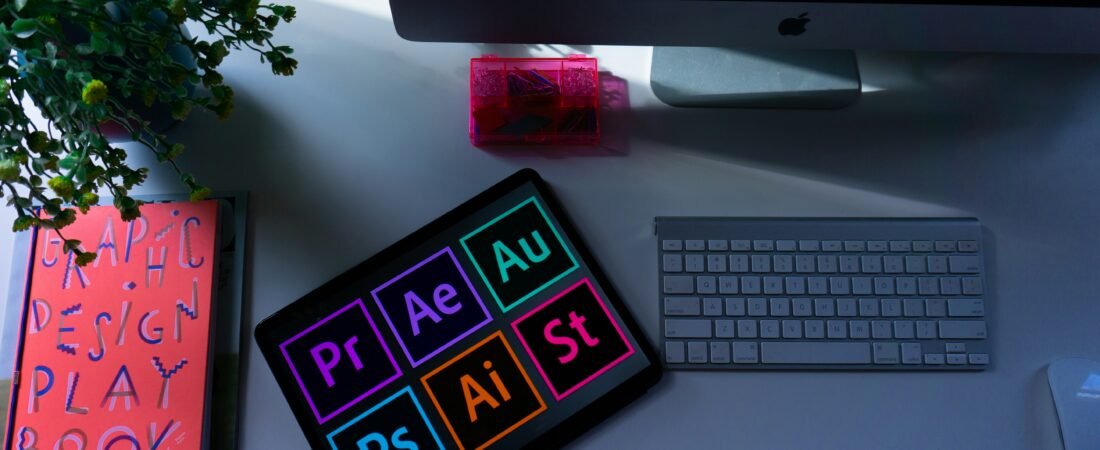
Introduction To Adobe Tools for Designers
All graphic designers rely on tools to transform ideas into images. Creativity makes design, but it is the proper software that makes it efficient and effective, in how that creativity is realised. Adobe Photoshop, Adobe Illustrator, and Adobe InDesign are still the industry standards among numerous others that can be used today.
The tools have gained ground over the years of development, with strong features and widespread adoption in the professional world. They are used by designers in industries every day to create everything from social media images to large publications.
This article will explain the importance of these three tools, what each is best suited for, and how knowing how to use all of them can make your design work some of the best.
Why These 3 Tools Matter Most
There are usually three categories of design work. First, image editing, second, vector design, third, layout and publishing. Every category requires a different method, and each of these tools is accurate in one area.
Smart designers do not attempt to know dozens of tools, rather, they go deep into a few. This method builds confidence, improves time management, and leads to better outcomes. By the time you know the best thing each tool is good at, you can use the appropriate one in any project.
Adobe Photoshop (Raster Design and Image Editing)
Adobe Photoshop is devoted to raster graphics. Pixels put raster images together, so they are effective when the visual images need to be highly detailed, such as in photos.
Photoshop is a strong tool for editing and improving images. Layers allow designers to arrange elements and masks to give the appearance of visibility without removing portions of an image. Creative adjustments are possible, including filters and effects that range from the slightest colour correction to extreme alterations.
Social media graphics, photo manipulation, and web mockups are common uses of Photoshop among designers. It allows you to control each pixel, making it perfect for detailed work.
There are, however, limits to Photoshop. Images can be scaled too high, resulting in a loss of quality. This is why it is not the most optimal approach for logos or designs that require resizing across various formats.
Adobe Illustrator (Vector Graphics)
Adobe Illustrator is a vector graphics program. The vectors, unlike the raster images, utilise mathematical paths rather than pixels. This implies that the designs can be scaled to any size without compromising quality.
Illustrator has tools such as the pen tool, which lets one draw with accuracy by using anchor points and paths. It also offers powerful typography controls and shape-building options.
Designers use Illustrator to create logos, icons, and branding materials. Such designs may need to be printed on business cards, billboards, and computer screens. Vector graphics control their sharpness.
Illustrator is the best in accuracy and scaling. Nonetheless, it does not work well with detailed photo editing. It is more oriented towards the clean shapes and the structured designs.
Adobe InDesign (Layout and Publishing)
Layout design is done in Adobe InDesign. It assists designers in arranging text and images across several pages in a coherent, systematic manner.
InDesign also has grid systems and guides that help align elements. It also offers superior text formatting features, making it ideally suited for bulk content.
InDesign is used by magazine, brochure, book, and digital document designers. It enables the easy management of long documents, which makes it critical for publishing work.
Although InDesign is good at layout, it relies on other applications to create graphics. It is common for designers to bring images from Photoshop or Illustrator into InDesign to finish a project.

The Interaction of These Tools
These three tools are not rivalrous to each other. Instead, they work as a system.
A designer can start in Illustrator to create a logo. Thereafter, they are transferred to Photoshop for retouching or developing visual effects. At the final stage, they import all the content into InDesign to organise it into a brochure or presentation.
This workflow enables designers to leverage each tool’s capabilities. It also makes sure that every aspect of the design process is well-structured and effective.
Choosing The Right Tool for your Job
The selection of the appropriate tool is project specific. Photoshop is good for editing photos or creating detailed images. Illustrator will suit you well if you are designing logos or icons. InDesign is the most popular for multi-page layouts.
The most common fallacy among beginners is trying to use a single tool to do everything. This tends to lead to poor performance and wasted time. Knowing what each tool does will help you prevent this issue and work more efficiently.
Acquiring and Learning to Use These Tools
Expertise is achieved through experience. Tutorials are also helpful to watch, but you can improve on them when you make your own projects.
Start small. Design a poster, edit a photo, or create a simple brochure. When you keep doing the same tasks, you will become faster and more confident.
There is also a role of shortcuts. Learning keyboard shortcuts quickly will save time in the long run. Minor changes to the workflow can lead to significant productivity gains.
Competitors And Reasons Adobe Remains on Top
Today, there are numerous substitutes. Apps such as Figma, Canva, and Affinity Designer are helpful and cheaper.
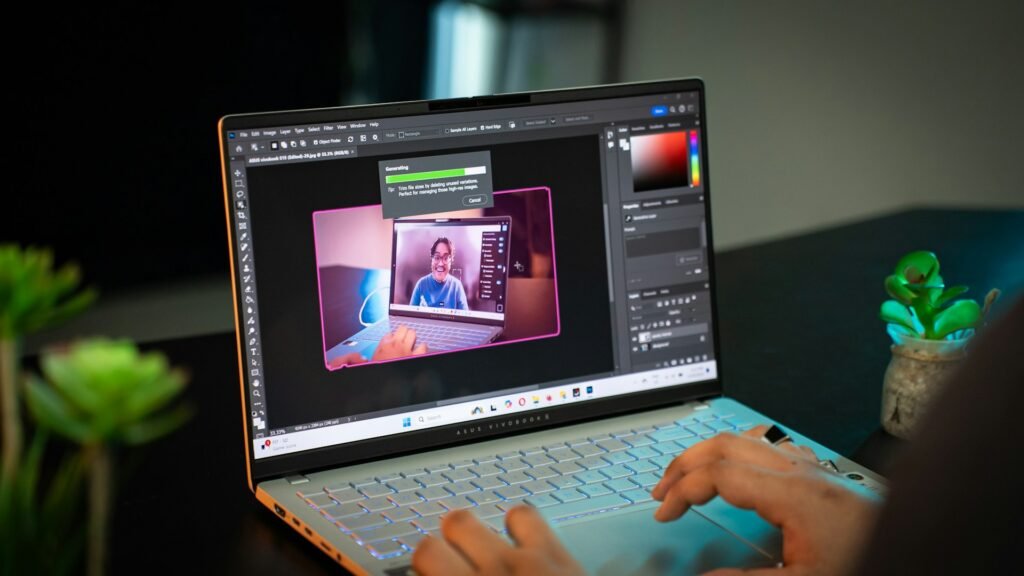
Nonetheless, Adobe tools remain prevalent in the workplace. Many companies assume designers are aware of them. Their extensive feature set and app interoperability give them a significant edge.
Adobe tools cannot be forgotten by those who are serious about a design career. They remain valuable in the long run.
Mistakes to avoid as a beginner
Most newcomers try to do too much at once. This tends to cause misunderstandings and delays. Dwelling on each tool individually and developing your skills gradually.
The other typical error is neglecting design basics. Good design cannot be achieved without tools. You should know about colour, layout, and typography.
Excessive effect use also undermines designs. Uncomplicated, plain visuals tend to speak louder than complicated ones.
Lastly, file formats are another aspect that beginners forget. Understanding when to use formats such as PNG, JPEG, or PDF can help ensure your work is displayed properly across platforms.
Benefits of Mastering Adobe Tools in a Career
Good proficiency in such tools opens numerous opportunities. Employers seek designers capable of handling a range of projects. It is also beneficial for freelancers, as it allows them to provide more services to clients.
Learning how to use these tools creates credibility. It demonstrates that you are aware of working processes in the profession and are capable of providing quality work.
This skill set would enable you to take on larger projects and expand your career over time.
Conclusion
Modern graphic design is based on Adobe Photoshop, Adobe Illustrator, and Adobe InDesign. The tools are distinctly functional and used throughout the design process.
You learn more than technical skills when you concentrate on learning to use these tools. You have control of your creative process. You learn how to select the appropriate method for each project.
Begin with simple ones, get habits and create actual projects. Gradually, you will become better at your work and be confident. It is not the tools that will assist your creativity. They will help you turn ideas into powerful designs.