
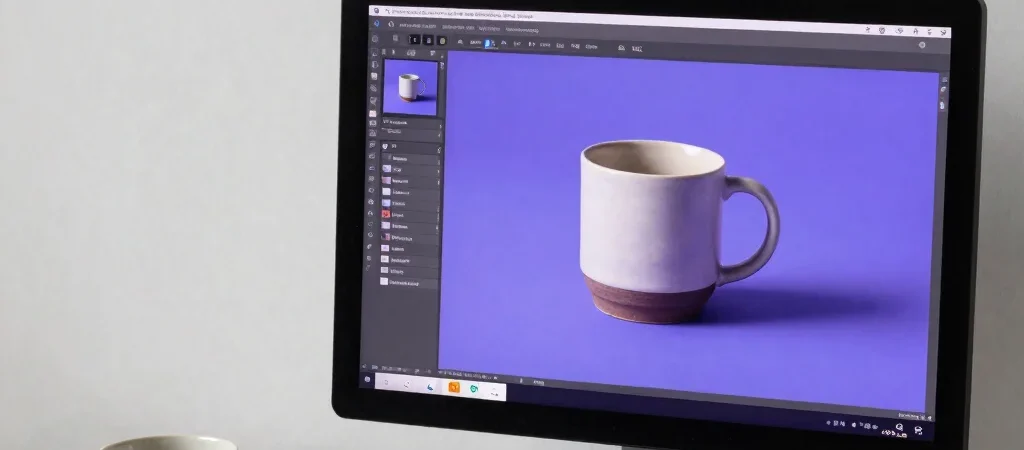
You ask an image generator for a product photo and get a polished scene that has nothing to do with the layout you planned. The fix is usually not a longer pile of style adjectives. Give the tool a practical art direction: what the image shows, how it is framed, where the light comes from, and what must stay clear.
Describe the frame first
Start with a concrete subject and use, such as a ceramic cup for a square social post. Specify the composition next: close-up or wide view, centered or off to one side, and how much empty space the design needs for text. These choices help guide the image toward a usable layout rather than a scene that only sounds impressive.
Add light and background
Describe the lighting in plain visual terms, such as soft window light from the left or a crisp shadow on a pale surface. Name a background material or color that supports the subject, and keep the palette focused. If the result needs room for a headline, say where that negative space should be.
Revise one choice at a time
When the first result misses, identify the specific problem: perhaps the camera is too close, the background is too busy, or the subject is not off-center. Change that instruction while leaving the other details intact so you can tell what helped. Before using the image, inspect fine details and check that it fits the tool's usage terms and the needs of your project.